
Meta Description:
Integrate CAD/CAM systems with cutting machines to improve precision, reduce waste, and streamline production. Learn the best practices and steps for flawless automation.
Seamless Precision: How CAD/CAM Integration Enhances Cutting Machine Efficiency
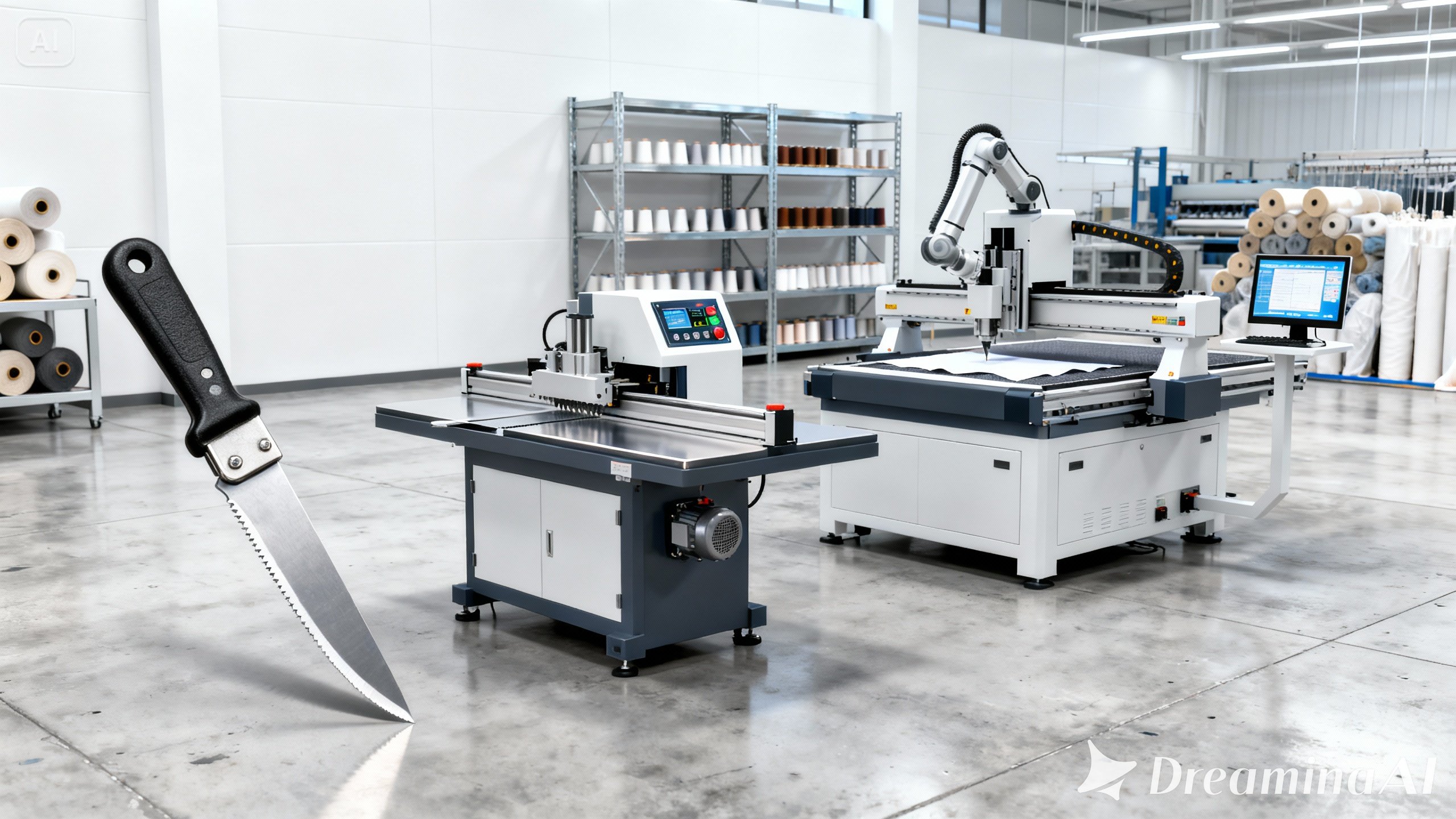
In today’s fast-paced manufacturing environment, precision and efficiency are non-negotiable. Companies that rely on cutting machines, such as CNC routers, laser cutters, or plasma cutters, often turn to CAD/CAM systems to meet rising production demands. However, maximum results can only be achieved when these systems are properly integrated.
When correctly implemented, CAD (Computer-Aided Design) and CAM (Computer-Aided Manufacturing) systems allow for automated, accurate, and error-free cutting operations. But how exactly can this integration be carried out successfully? Let’s explore the steps, best practices, and why this process must be handled carefully.
Understanding CAD/CAM and Their Role in Cutting
Before diving into integration, it is essential to understand the core function of both CAD and CAM software.
Moreover, using the correct software pair automates the design-to-manufacturing pipeline, which improves speed, accuracy, and quality.”
Step-by-Step: How Integration Is Carried Out
To integrate CAD/CAM systems with cutting machines, a series of steps must be followed in a specific order. Let’s break it down:
1. Preparing and Optimizing CAD Files
First, designers create the part using CAD software such as AutoCAD, SolidWorks, or Fusion 360.
They define and save the part’s dimensions and tolerances in compatible file formats like DXF or STL.
Additionally, designers should eliminate errors at this stage, because any flaw will transfer to the cutting process.
2. Configuring CAM Software for the Machine
Once users finalize the design, they import it into CAM software.
The software automatically generates tool paths and cutting operations based on the material type, tool selection, and machine setup.
Additionally, users often customize the software to match the capabilities of specific cutting equipment such as CO2 lasers, waterjets, or milling machines.
3. G-Code Is Automatically Generated
Once users configure the tool paths, the CAM software converts the file into G-code, a language that cutting machines understand.
The software encodes and formats precise cutting instructions according to the machine’s specifications.
As a result, the machine executes cutting operations more efficiently and consistently, without requiring manual input.
4. Data Must Be Transferred to the Cutting Machine
The next phase involves transferring the G-code to the machine, either via USB, network, or direct connection.
The machine’s onboard controller receives G-code files through compatible communication protocols.
Importantly, this transfer should be verified to avoid data corruption or execution delays.
5. Testing and Calibration Should Be Performed
Always carry out a test cut or dry run before beginning full-scale production.
“Tool alignment and cutting precision are verified using test materials.”
This approach allows us to identify potential issues early and apply necessary adjustments before mass production begins.
Benefits of CAD/CAM Integration for Cutting Machines
Once you integrate the system, you immediately realize multiple benefits. These include:
- Greater Precision:
The system consistently produces accurate cuts, even in complex geometries. - Time Efficiency:
Automation significantly reduces the design-to cutting time. - Material Optimization:
The system automatically optimizes tool paths, generating less waste. - Repeatability:
You produce identical parts repeatedly without manual adjustments. - Reduced Human Error:
The system eliminates misinterpretations and manual programming errors. - Reduced Human Error:
- The system eliminates misinterpretations and manual programming errors.
Common Mistakes to Avoid During Integration
While the benefits are many, integration must be done thoughtfully. Here are some mistakes that should be avoided:
- Using incompatible software:
“Errors are often encountered when CAD and CAM software from different ecosystems are integrated improperly.” - Skipping testing:
“Machines are frequently damaged when test runs are skipped and full loads are initiated prematurely.” - Failing to update firmware:
“System crashes may occur when cutting machines are operated with outdated software.”
Therefore, a robust checklist must be implemented before going live.
Expert Tip: Train Your Team on the Software
Staff achieve better performance when they use manufacturer-provided learning modules to train themselves.
Continually improving technical skills enhances the success of integration.
Final Thoughts: Smarter Cutting Starts with Smarter Systems
The integration of CAD/CAM systems with cutting machines represents a revolution in manufacturing precision and efficiency. When done properly, it automates the cutting process, eliminates errors, and maximizes throughput.
Connecting CAD/CAM systems successfully to cutting hardware dramatically improves machine productivity and minimizes material waste.
In conclusion, whether you’re a small workshop or a full-scale factory, embracing CAD/CAM integration will elevate your production game to the next level.