
Meta Description:
Facing delays in production? Learn how to identify, prevent, and fix common fabric cutting machine issues to keep your textile workflow smooth and efficient.
1. Blade Dullness or Misalignment
Common Sign: Unclean cuts, fabric tearing, or fraying edges.
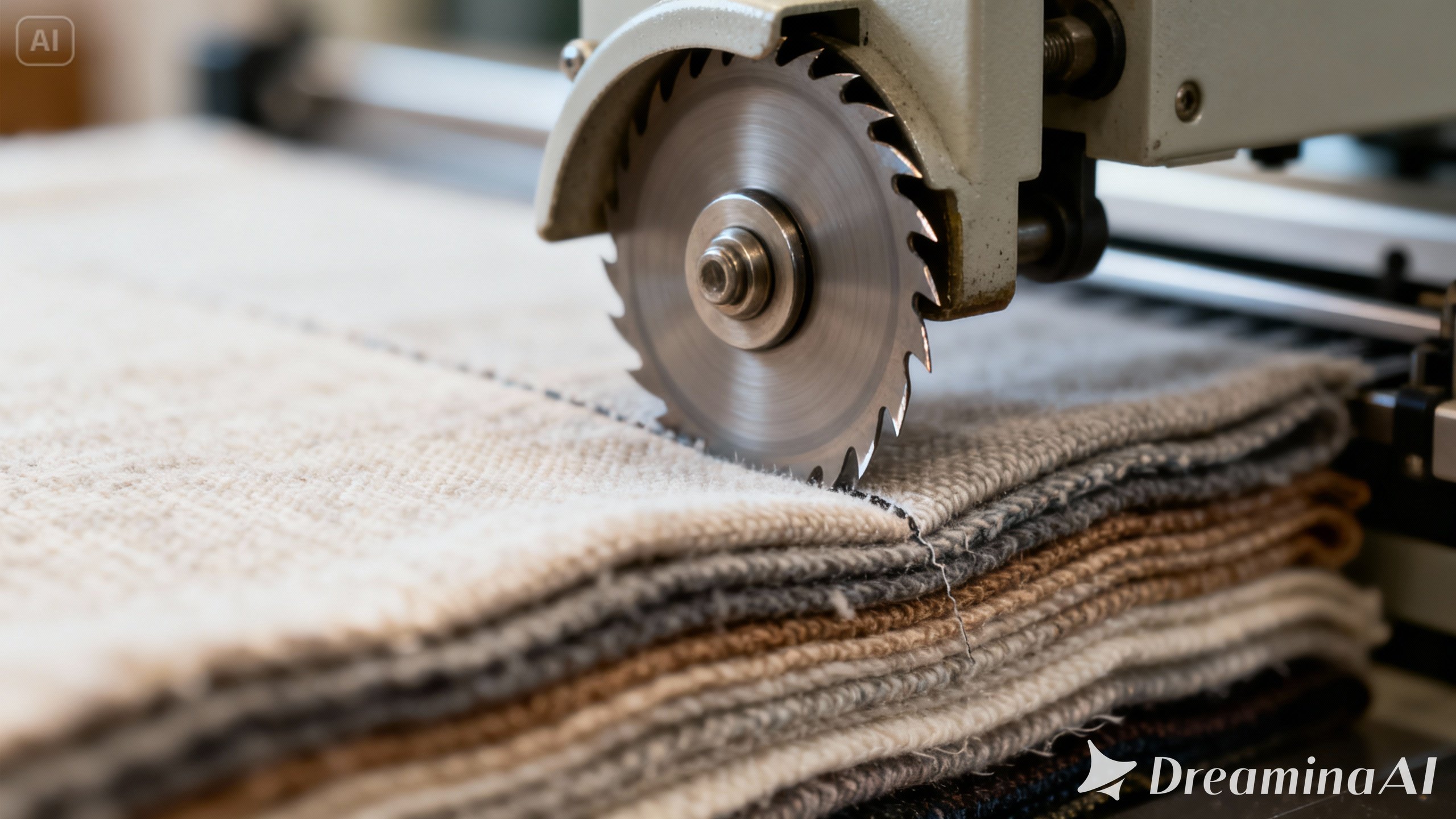
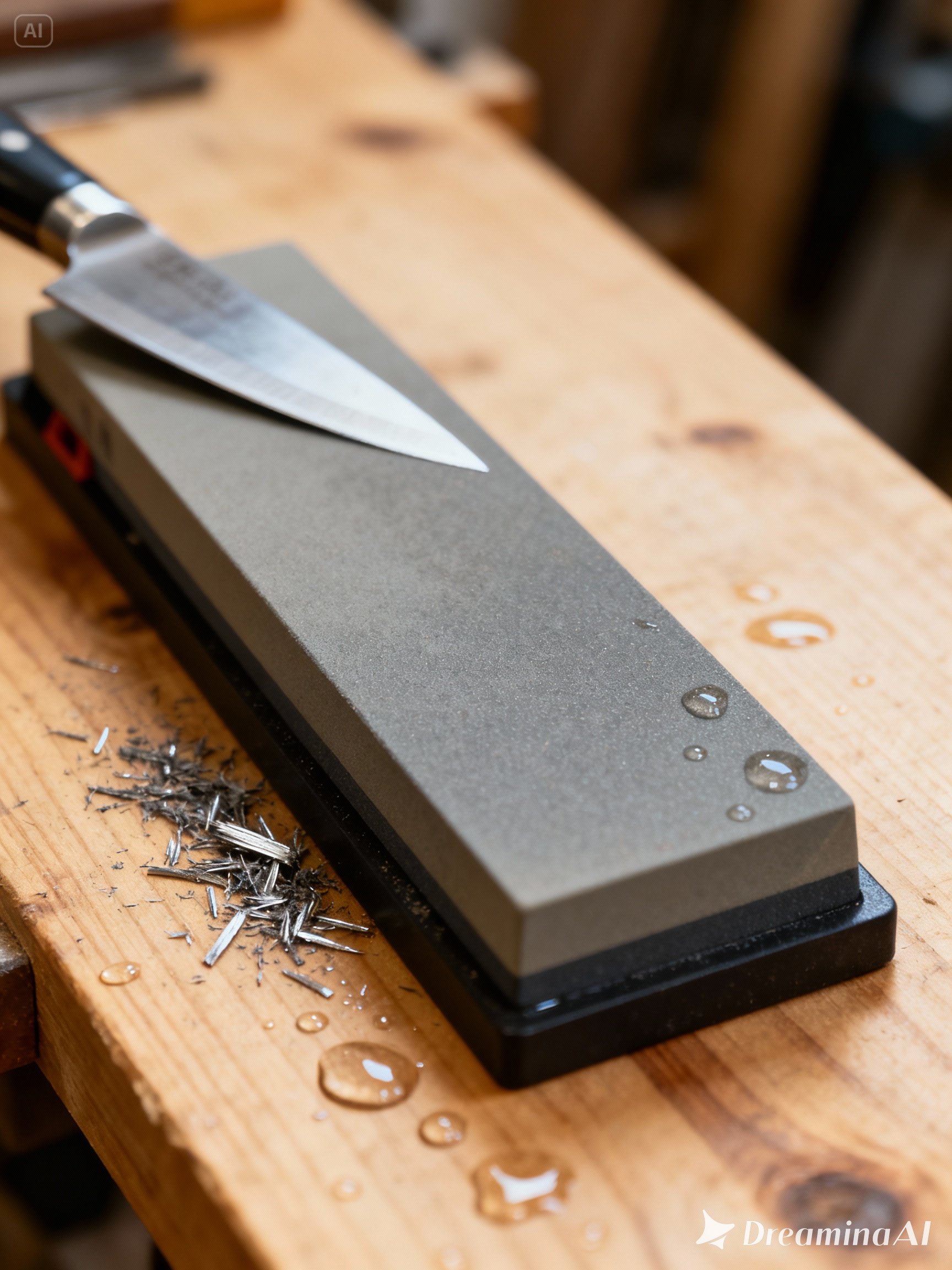
Over time, cutting blades can become dull or misaligned. As a result, fabric may not be sliced cleanly. To fix this, first turn off the machine and inspect the blade. If it appears worn, it should be replaced. Otherwise, realign the blade according to the manufacturer’s guide.
Tip: Check the blade sharpness weekly, especially in high-volume setups.
2. Material Slippage During Cutting
Common Sign: Fabric shifts or layers are misaligned after cutting.
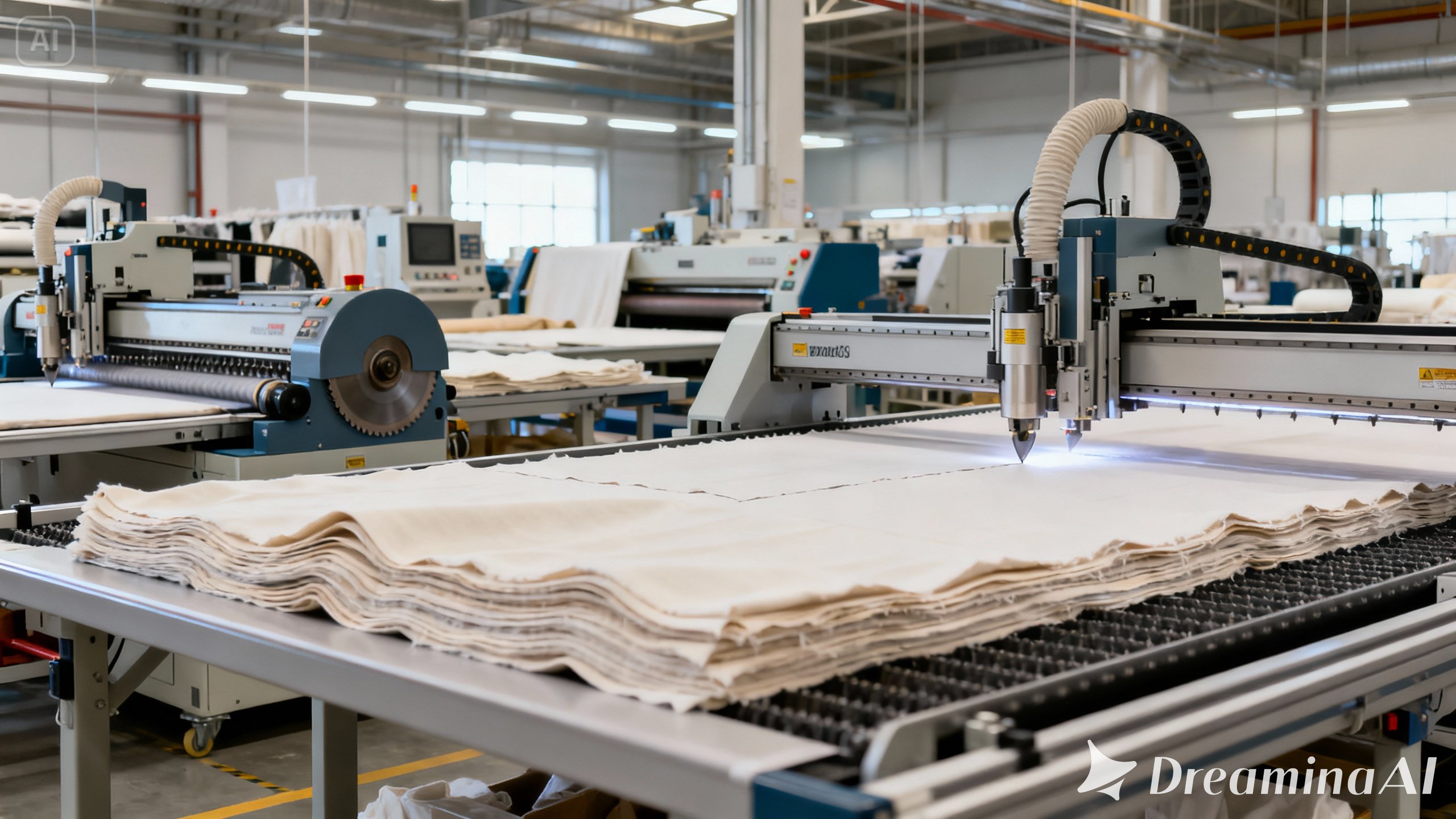
This issue often results from a worn-out conveyor belt or improperly adjusted clamps. The clamps or spreader bars may also lose pressure. To troubleshoot, examine whether you hold the fabric tightly. If not, increase the clamp pressure or replace worn-out parts.
Moreover, ensure that you properly tension the fabric before cutting, which significantly reduces this risk.
3. Electrical Malfunctions or Display Errors
Common Sign: Error codes on screen, machine freezes, or won’t power on.
Machines are built with digital control systems that may occasionally fail. This can occur due to dust accumulation, power surges, or faulty wiring. Therefore, first unplug the machine, clean any visible dust, and inspect the cables. If an error code appears, consult the manual or call the manufacturer’s helpline.
Also, installing a voltage stabilizer can help prevent such issues in the future.
4. Inconsistent Cutting Depth
Common Sign: Fabric isn’t cut all the way through in certain spots. This issue usually occurs because of an uneven cutting surface, worn-out cutting mats, or improper blade height. To resolve the problem, inspect and level the cutting platform. Replace mats if they are worn. Additionally, recalibrating the cutting height can solve the problem. Additionally, recalibrating the cutting height can solve the problem.
5. Software or Calibration Errors
Common Sign: Design not matching the cut or offset patterns.
When digital files don’t translate into accurate cuts, software settings are often to blame. First, update the software to the latest version. Then, recalibrate the X and Y axes. Moreover, recheck the design files for errors or distortion during export.
6. Poor Maintenance Leading to Downtime
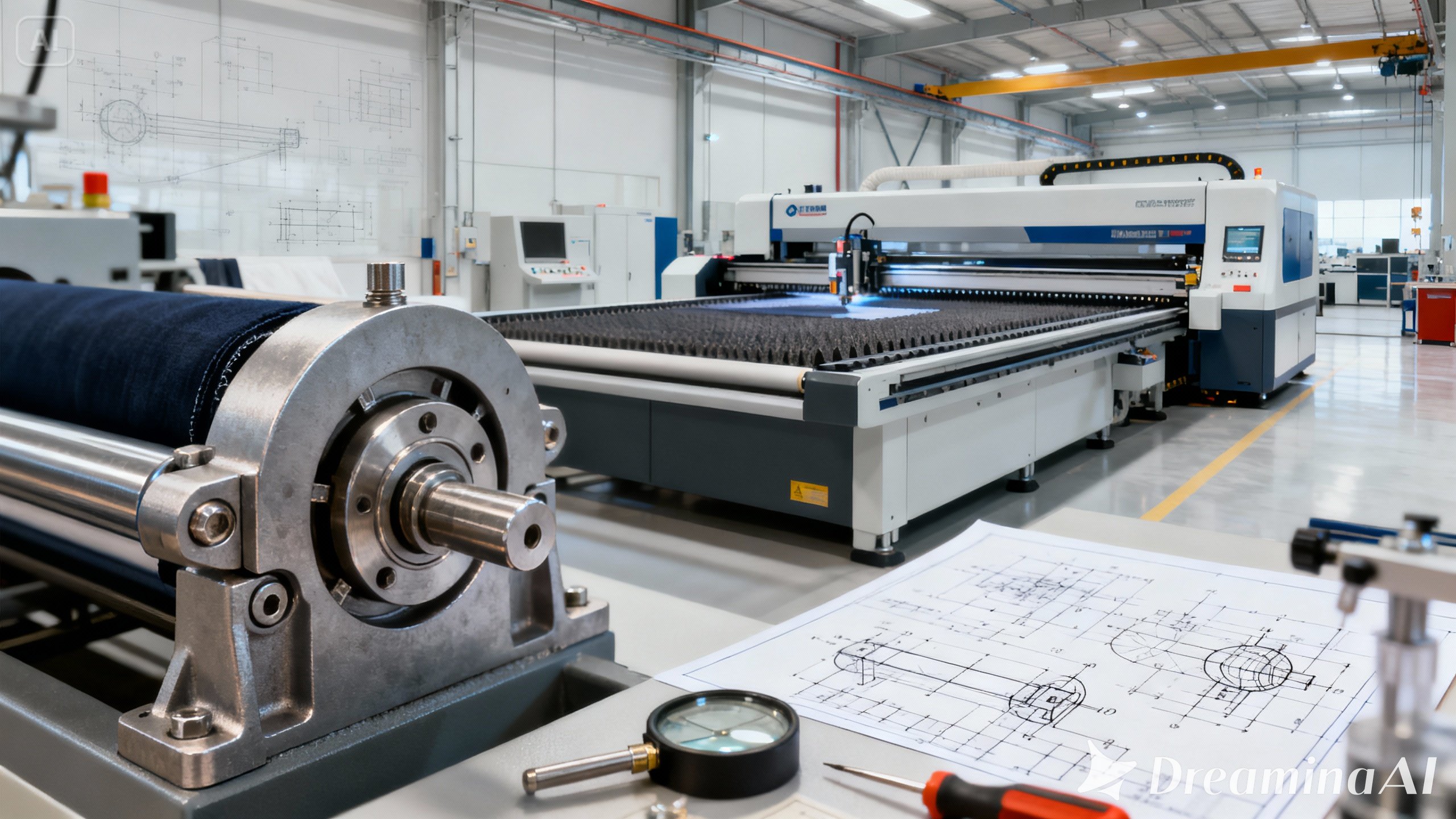
Many issues stem from lack of regular maintenance. Belts loosen, sensors get blocked, and lubrication wears off. Therefore, a monthly maintenance checklist should be followed strictly.
Key Tasks Include:
- Cleaning dust from sensors and moving parts
- Lubricating rails
- Checking belts and replacing worn ones
- Running test cuts weekly
Final Thoughts
Troubleshooting fabric cutting machines may sound technical but with the right approach, most problems can be solved quickly. By maintaining your equipment, training your team, and learning how to identify warning signs early, production delays can be minimized or even avoided entirely.
Whenever possible, follow the manufacturer’s guidelines, use OEM spare parts, and contact a certified technician for persistent or high-risk issues.